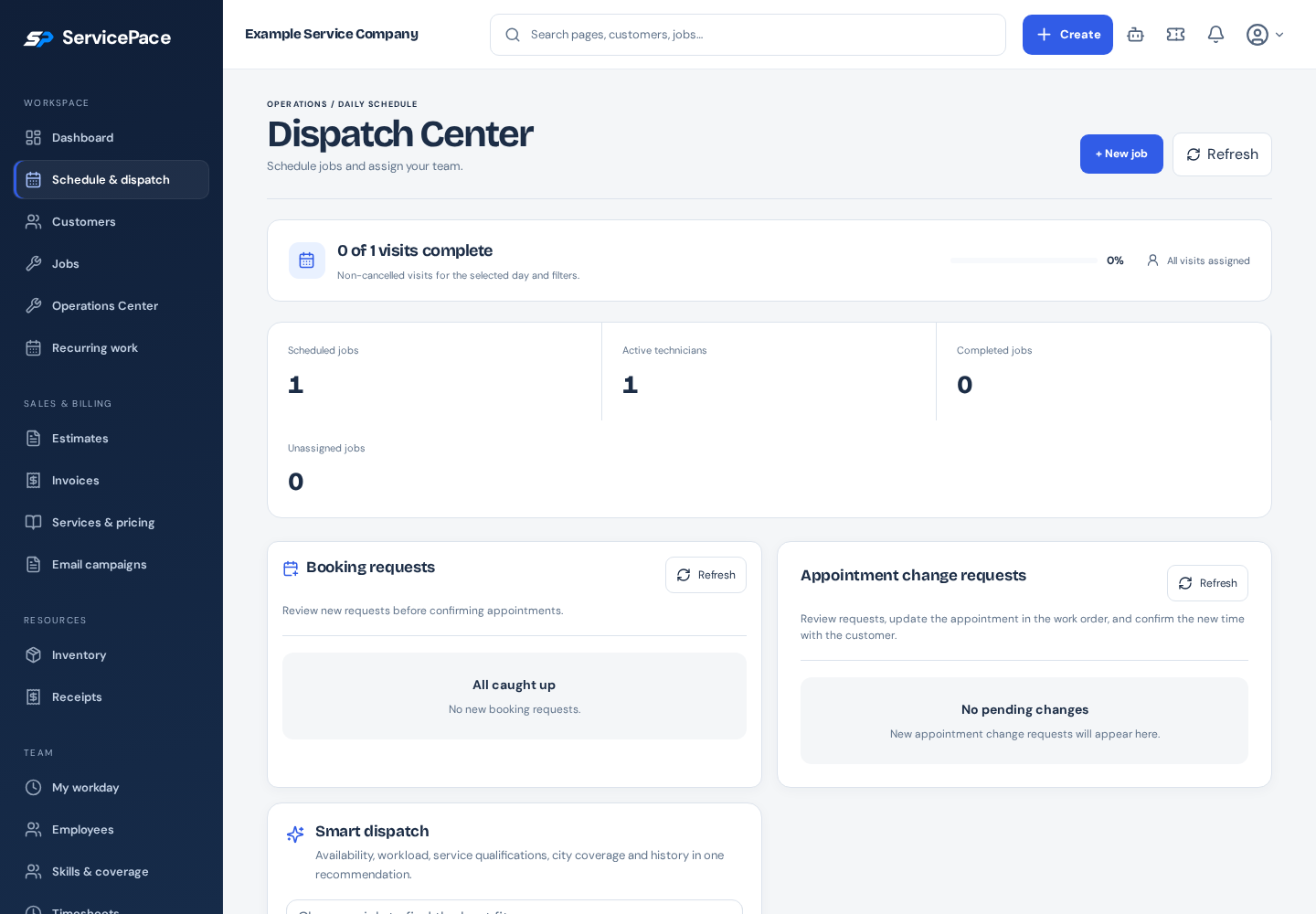
An appointment change becomes difficult when the client and office assume different things happened. A requested replacement time is not the same as a confirmed change. A reliable process keeps the original visit visible until the business has checked capacity and agreed on the new arrangement.
What to take into your next workday.
- Treat preferred times as requests until confirmed.
- Check assignments and capacity before moving a visit.
- Keep the agreed change with the original job.
In this guide+
Collect a useful change request
The client should provide the visit involved, a preferred replacement time and practical availability. If access or the service location changes, include that information as well. A short explanation often prevents another round of messages.
In a client portal, use the supported change-request action on the relevant appointment. Do not submit a new work request for the same visit unless the business asks you to; that can create duplicate work.
Review the whole day before moving a visit
The office should check assignments, travel, expected job duration and any promised windows. Moving one appointment may affect the technician's remaining work, so a free calendar slot is only part of the decision.
Confirm the person or crew can still perform the job. Check known time off and service coverage rather than assuming the earlier assignment automatically fits the new date.
Close the loop with the client
Record the confirmed replacement in the business workflow and communicate it clearly. Include the date, arrival window and any changed instructions. Until that confirmation, the original appointment remains the reference.
A client should not need to infer confirmation from a request being submitted. If the preferred time is unavailable, offer an alternative and keep the request status understandable.
Keep the change with the job
The job should retain the relevant request and agreed scheduling context. Technicians need the current instructions, not a mixture of the original appointment and later messages.
When reviewing exceptions, look for outstanding change requests and unconfirmed alternatives. Resolve them before dispatching the day rather than discovering the conflict after a technician is already en route.
Review repeated scheduling problems
Repeated changes may reveal that visit-duration assumptions, service windows or access questions need improvement. Review a small set of actual examples rather than blaming every change on client behavior.
Use ServicePace dispatch and portal guides for the exact controls. The goal is a clear agreement that both the office and client can identify, with the job record carrying the latest confirmed plan.
Put this into practice
ServicePace operations guidance for service business owners. Adapt the steps to your team, service agreements and local requirements. Product features and limits vary by plan.
Keep the details connected.
Explore the client, scheduling and billing workflow for your business.