Good automation starts with a specific handoff that your team already understands. A client accepts an estimate, an invoice is paid or a technician finishes a job. The next action should be predictable, useful and safe to perform without someone rebuilding the context. Start with one sequence that removes a real delay rather than trying to automate every decision in the business.
What to take into your next workday.
- Choose a trigger that reflects the actual business outcome.
- Preview a short sequence and respect recipient permission.
- Review exceptions before retrying uncertain sends.
In this guide+
Choose the event that actually matters
Use an event that represents the business outcome you need. An invoice being issued is different from a payment being received, and a partially paid invoice is different from one fully paid. Those distinctions determine whether a receipt, acknowledgment or follow-up is appropriate.
Write the sequence in plain language before building it. For example: when the invoice is fully paid, email the confirmed payment receipt, wait an hour, then request an honest review from an eligible client. If the event or recipient is unclear, resolve that first.
Use conditions to narrow the audience
A residential follow-up may differ from a commercial account's process. Service, client type, lead source and minimum amount can help a workflow match the intended work. In ServicePace, conditions combine with AND, so every configured condition must match.
Avoid adding filters simply because they are available. A narrow filter can make a workflow appear broken when the actual event does not meet the conditions. Test your reasoning against a representative record before activation.
Make each action understandable
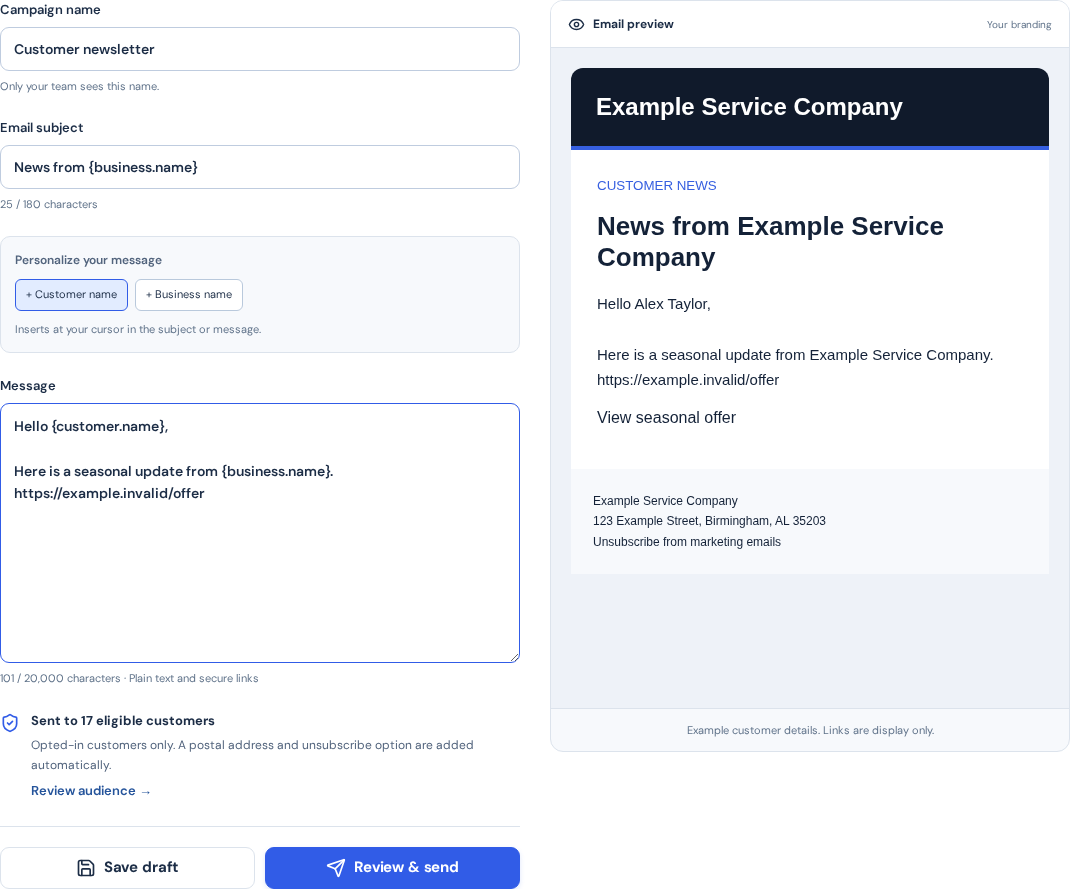
Use supported client and business fields to personalize a service message. Keep the wording specific enough that the recipient knows what happened and what to do next. Separate transactional updates from promotional campaigns; having an email address does not create marketing permission.
Receipt actions need confirmed payment context. Review invitations need the appropriate channel permission and should invite honest feedback without filtering clients by expected rating. Texting also depends on setup, quiet hours and applicable sending rules.
Preview, activate and monitor
ServicePace workflows support up to four actions, with up to 20 active workflows for an eligible business. Preview the message sequence and review activation rather than treating a saved draft as a running automation. Paid or complimentary Growth or Scale service is needed to activate.
New matching events start runs. Existing historical records are not all replayed when a workflow is activated. Use Workflow activity to inspect each step, and pause or cancel remaining actions when the intended follow-through has changed.
Handle uncertainty before retrying
A provider accepting a message is not proof that it reached the recipient. Read the recorded reason when an action is skipped or fails. If delivery is uncertain, sending again without investigation can produce duplicate messages.
Choose a failure policy that matches the consequence of a missed step. A nonessential internal note and an external payment message may need different treatment. Keep a person responsible for reviewing exceptions even when the normal sequence is automatic.
Put this into practice
ServicePace operations guidance for service business owners. Adapt the steps to your team, service agreements and local requirements. Product features and limits vary by plan.
Keep the details connected.
Explore the client, scheduling and billing workflow for your business.